
Managing Team Schedules
Instructions
Head Coaches/Assistant Coaches are responsible for adding and maintaining team game schedules.
- Go to farmingtonyouthfootball.com
- Make sure you're signed into your Crossbar account. As a Coach, you should be given special Manager privileges. If you don't have this access yes, please email: farmingtonyouthfb@gmail.com
- Navigate to your team page and click on Schedule

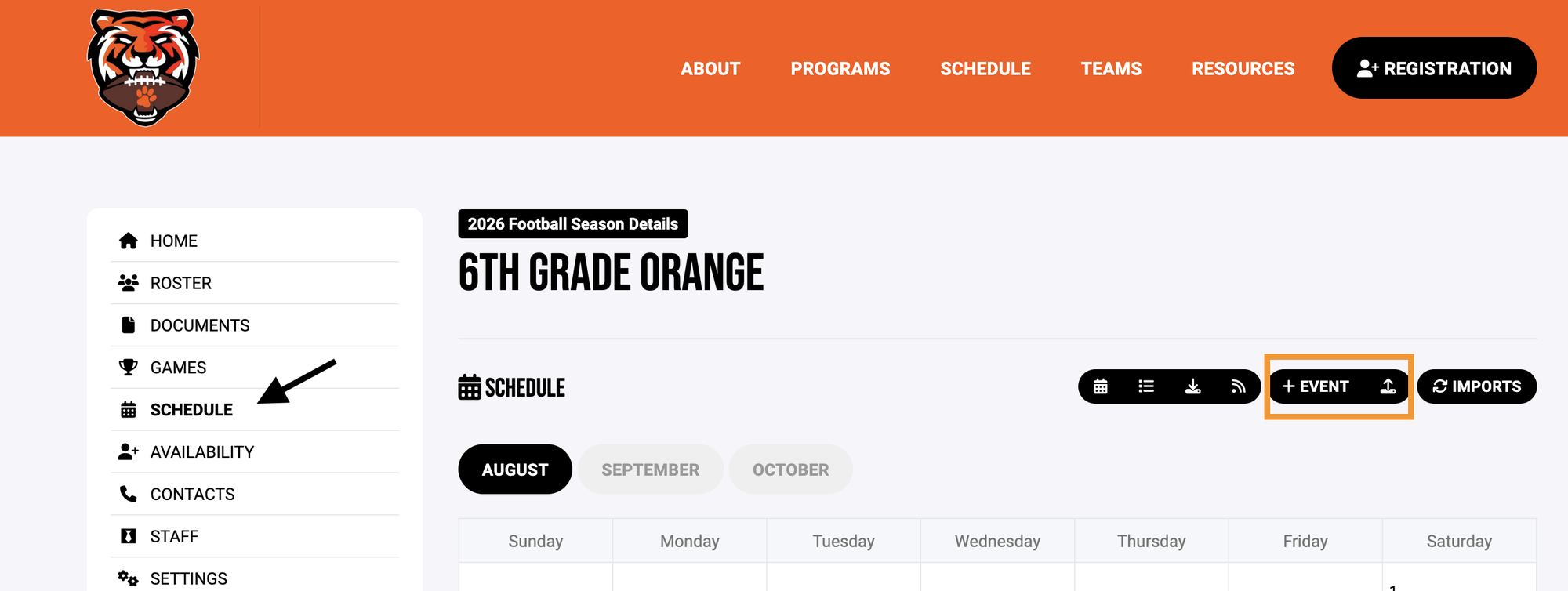
From here, you are able to add events/games individually, or you can create a schedule using the Crossbar template.
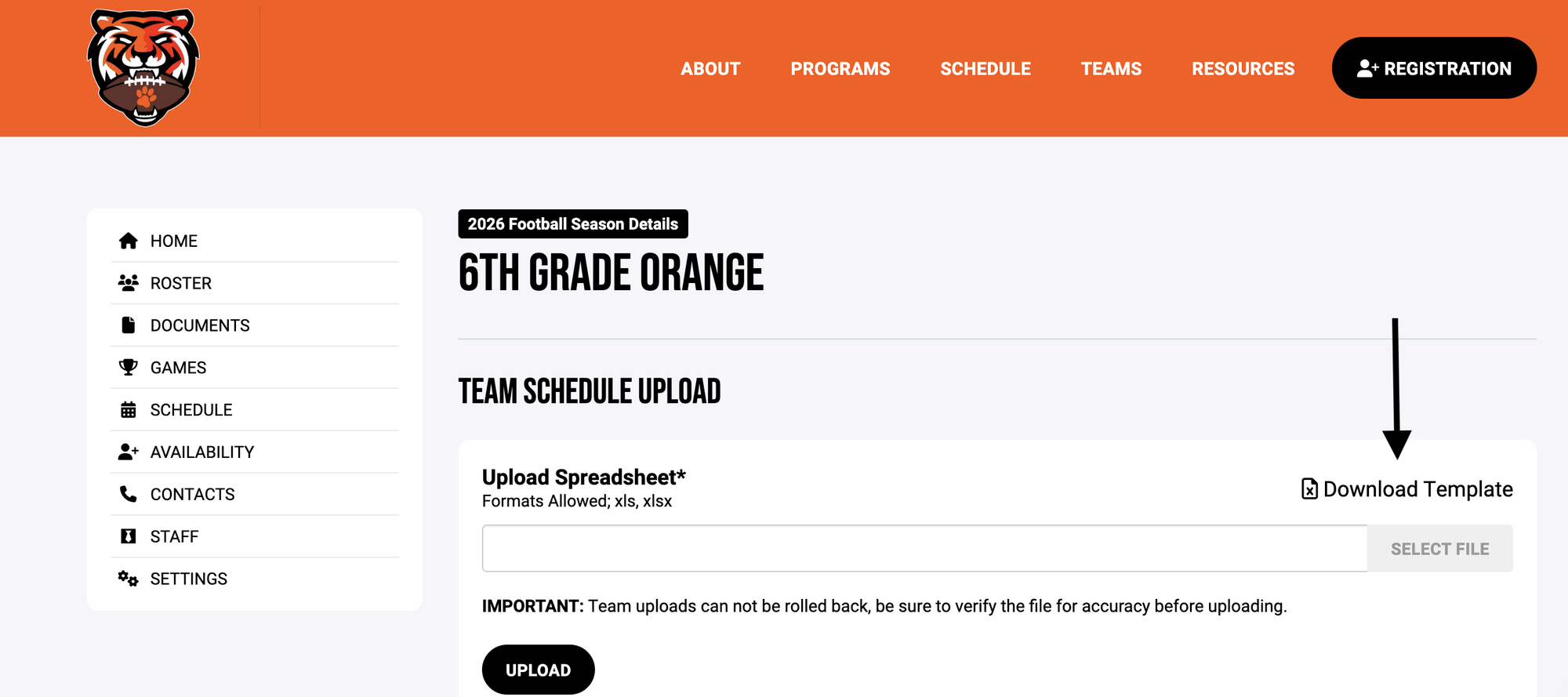
Once you have the template downloaded, you will begin to fill in your team's schedule info.

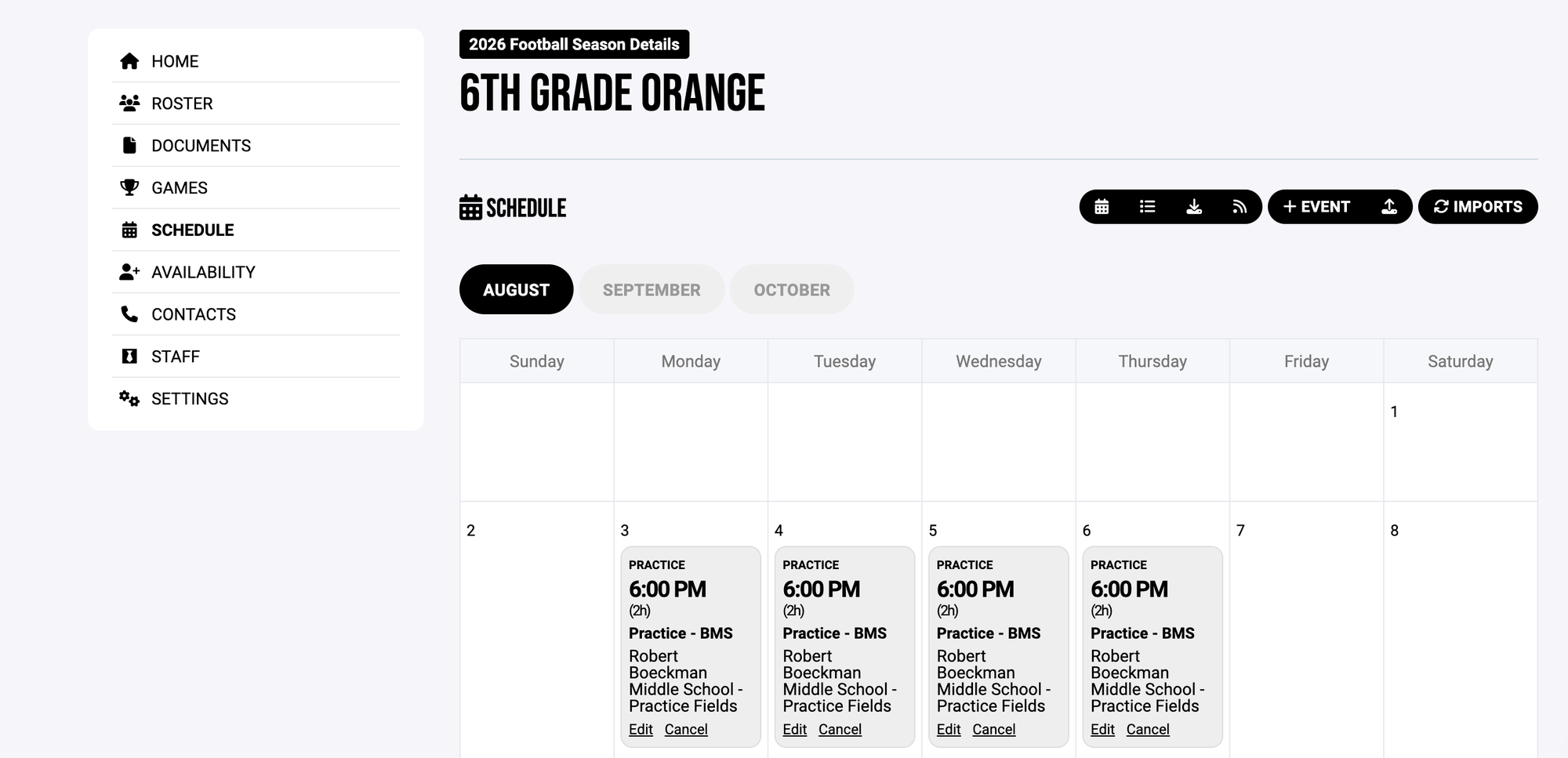
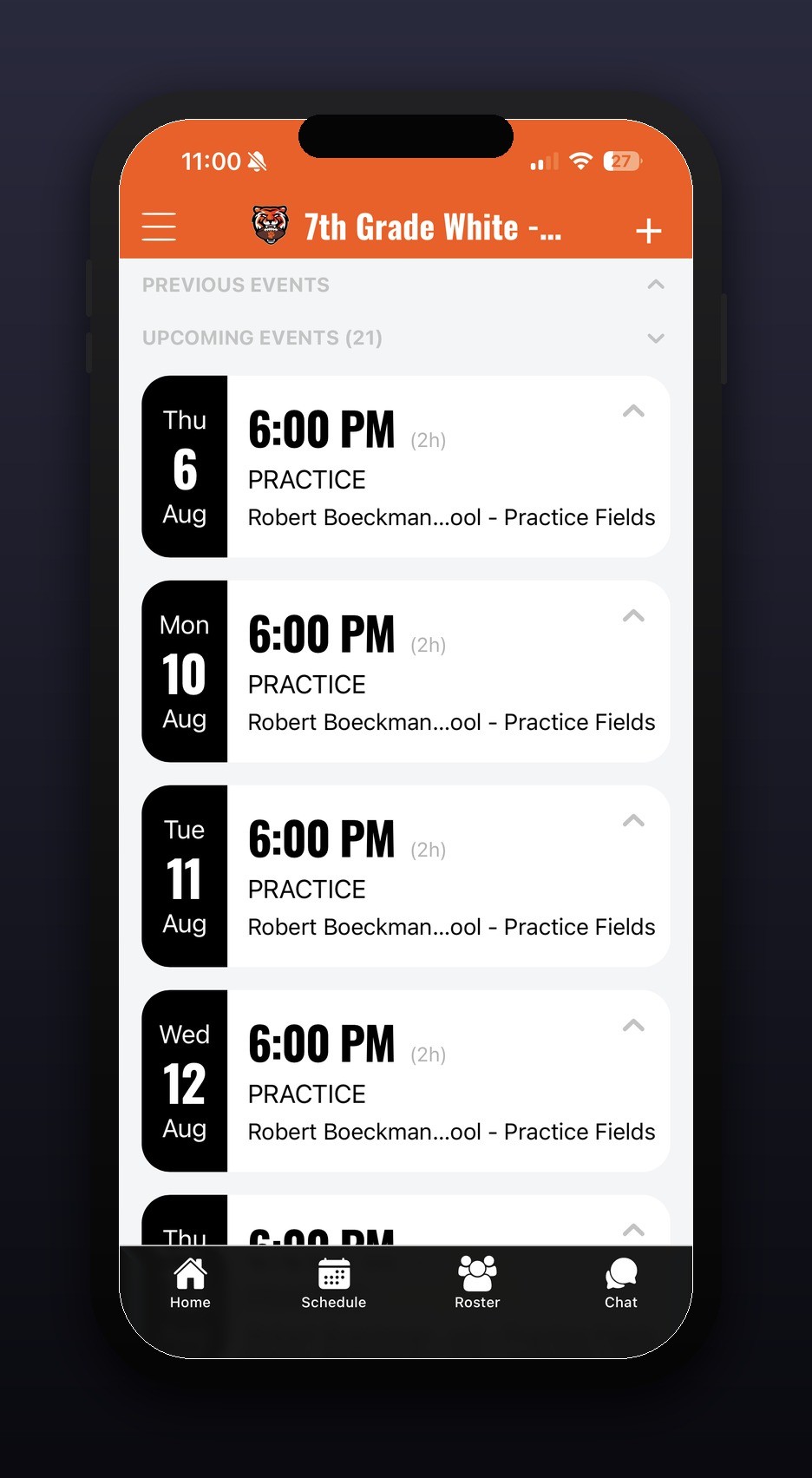
Once complete, you'll upload the file. These items will now appear in your schedule and users will be notified (if they have their notifications turned on).
questions?
Visit the Crossbar website for assistance. They have a great chat feature that's available during business hours.